PD実践:LEGO EV3RTシミュレータ「FutureKreate×箱庭」のインストール(作成中)
lecture
2020.09.01

このページは作成中なので作業しないでください。
2020年度後学期KITロボティクス学科のPD実践用のページです。今年度は新型コロナの影響で今まで実施したようなLEGOマインドストームEV3実機を使った密なグループワークはできませんので、シミュレータを使います。
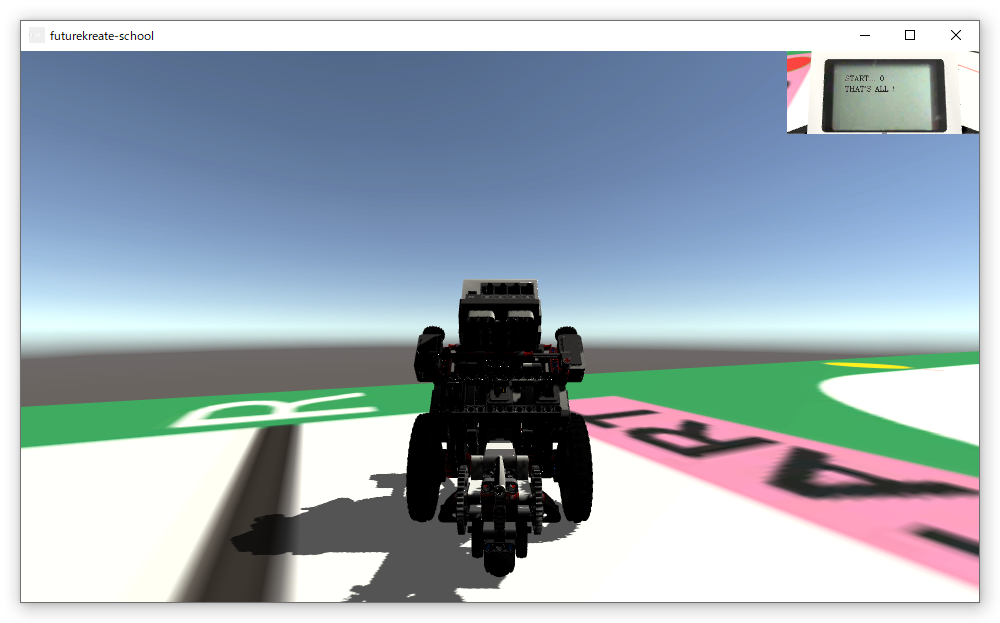
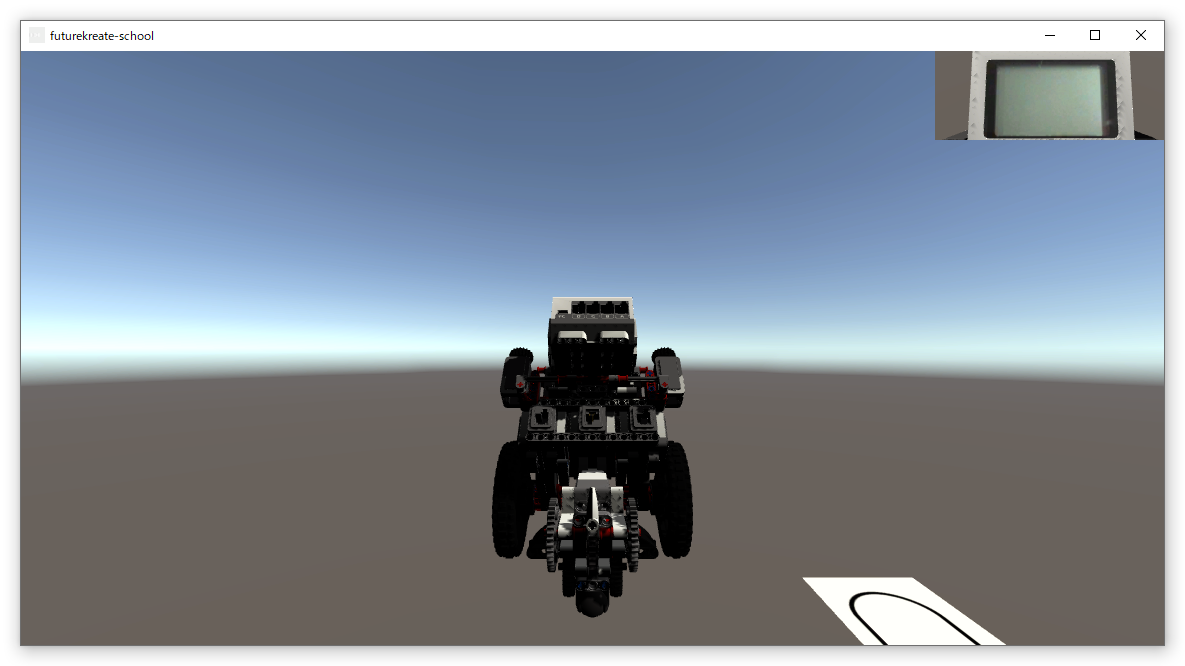
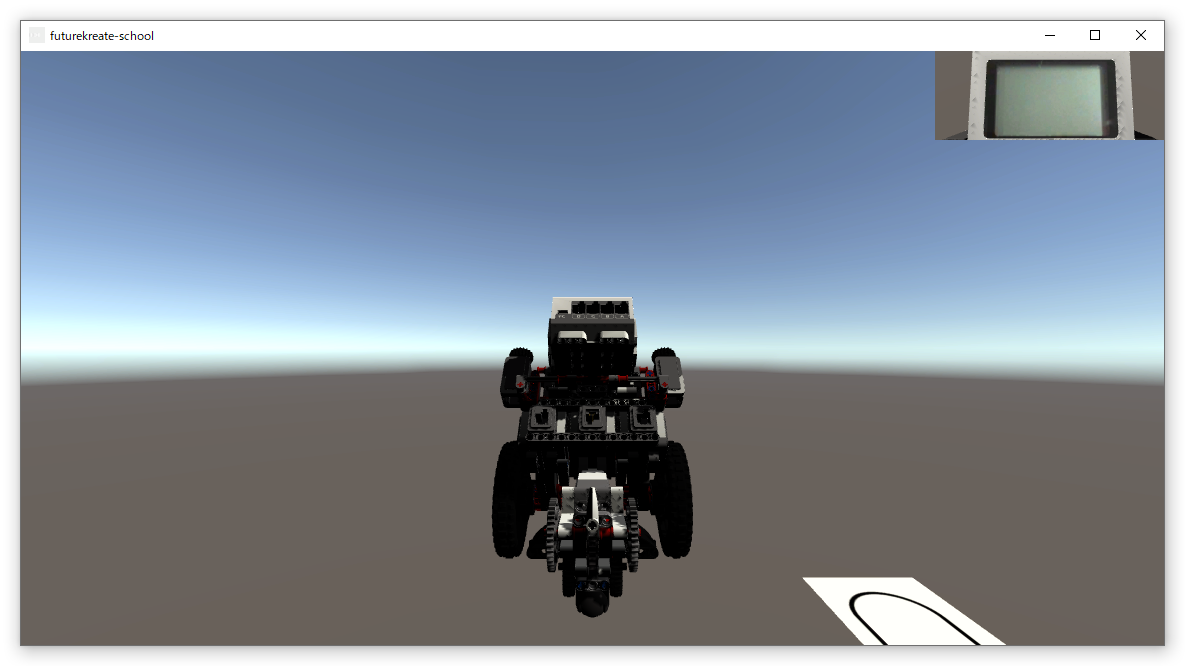
シミュレータには仮想シミュレーション環境「箱庭」と誰もが簡単に使えることを目指したFutureKreateを使います。正確には、昨年、EV3にインストールしたリアルタイムOSであるEV3RTを箱庭のAthrillでシミュレーションし、EV3実機のシミュレーションを行う箱庭のUnityの部分を全てFutureKreateに置き換えています。さらに、箱庭ではEV3RTのLCDとサウンド機能は実装されていないので、FutureKreateの開発者がAthrill側を拡張しています。
参考サイト
環 境
WSLのインストール
- WSL2ではシミュレータが動かないので、以下のリンクに従ってWSLをインストールして使うこと。Ubuntuはバージョン20.04を選択する。
Rubyのインストール
- WSLのUbuntu20.04のターミナル(端末)を起動して以下のコマンドを実行してRubyと必要なライブラリをインストールする。なお、コマンドの先頭にある$はプロンプトなので打ち込まないこと。コピペでもよい。特に長いコマンドの場合はコピペを推奨する。
$ sudo apt install ruby
$ sudo gem install shell
作業用フォルダの作成(Windowsでの作業)
- WindowsのCドライブ直下にeduというフォルダを作成する。これからこのフォルダで作業をする。特に断らない限り、WSL Ubuntu20.04の端末にコマンドを打ち込む作業になる。なお、以下の説明はCドライブ直下にeduフォルダを作ることを前提にしており、他のドライブでは動かないので注意して欲しい。
athrill2のインストール
- ダウンロード
- Ubuntu20.04の端末を起動して次のコマンドを実行する。
$ cd /mnt/c/edu
$ sudo apt update
$ sudo apt install -y language-pack-ja
$ sudo update-locale LANG=ja_JP.UTF-8
$ sudo apt install git
$ sudo apt install build-essential
$ git clone https://github.com/tmori/athrill.git
$ git clone https://github.com/tmori/athrill-target.git
- ビルド
$ cd /mnt/c/edu/athrill-target/v850e2m/build_linux
$ make timer32=true clean
$ make timer32=true
- ファイルの確認
$ ls -l ../../../athrill/bin/linux/athrill2
- 上のコマンドを実行して、以下のように表示されば成功
- -rwxr-xr-x 1 user group 3889056 7月 1 11:04 ../../../athrill/bin/linux/athrill2*
- 設定
- エディタでファイル~/.bashrcを開く。よくわからない場合は端末で以下のコマンドを実行してnanoを使う。使い方はこのリンクを参考にして欲しい。
- ~/.bashrcの最後に以下の行を加えセーブする。セーブの方法はコントロールキーを押しながら’x’キーを押す。Save modified buffer?と表示されるので’Y’キーを押す。保存されるファイルが表示されるので確認してEnterキーを押す。
- export PATH=/mnt/c/edu/athrill/bin/linux:${PATH}
linux版64bit gccコンパイラのインストール
- ダウンロード
- 端末を開き以下のコマンドを実行する。ファイルサイズが225MBあり少し時間がかかる。私の環境では10分程度かかった。
$ cd /mnt/c/edu
$ wget https://github.com/toppers/athrill-gcc-v850e2m/releases/download/v1.1/athrill-gcc-package.tar.gz
- 展開
- 端末を開き以下のコマンドを実行する。
$ cd /mnt/c/edu
$ tar xvzf athrill-gcc-package.tar.gz
$ cd athrill-gcc-package
$ tar xvzf athrill-gcc.tar.gz
- 以下のコマンドを実行して次のように表示されれば成功。
$ ls usr/local/athrill-gcc
- bin include lib libexec share v850-elf
- 移動
- 以下のコマンドを実行してusr/local/athrill-gccを/usr/localに移動する。
$ cd /mnt/c/edu/athrill-gcc-package
$ sudo cp -r usr/local/athrill-gcc /usr/local
$ rm -fr usr
- エディタを使って~/.bashrcの一番下の行に以下を追加して保存する。
- export PATH=/usr/local/athrill-gcc/bin/:${PATH}
export LD_LIBRARY_PATH=/usr/local/athrill-gcc:/usr/local/athrill-gcc/lib:${LD_LIBRARY_PATH}
- 以下のコマンドを使って追加したパスを有効化する。
箱庭用EV3RT開発環境のインストール
- 本授業では、FutureKreateが箱庭用EV3RT開発環境にLCDとサウンドAPIのシミュレーション機能を追加した環境をインストールする。
- ダウンロード
- 以下のリンクをc:\eduフォルダーにダウンロードして解凍する。なお、KIT関係者しかダウンロードできません。
- 解凍すると以下のフォルダができる。
FutureKreateのインストール
- 以下のリンクをc:\eduフォルダーにダウンロードして解凍する。なお、KIT関係者しかダウンロードできません。
- 解凍すると以下のフォルダができる。
- FutureKreateの実行ファイルは以下のファイル。ダブルクリックすると起動する。
- c:\edu\futurekreate-edu\futurekreate-Edu.exe
以上で終わり。お疲れ様!
謝 辞
箱庭の開発者である京都大学 高瀬英希先生、(株)永和システムマネジメント 森崇様、FutureKreateの開発者 出村賢聖さん、金沢工業大学基礎教育部 西川幸延先生には大変お世話になりました。ありがとうございます。

").attr(n.scriptAttrs||{}).prop({charset:n.scriptCharset,src:n.url}).on("load error",i=function(e){r.remove(),i=null,e&&t("error"===e.type?404:200,e.type)}),C.head.appendChild(r[0])},abort:function(){i&&i()}}});var Jt,Kt=[],Zt=/(=)\?(?=&|$)|\?\?/;ce.ajaxSetup({jsonp:"callback",jsonpCallback:function(){var e=Kt.pop()||ce.expando+"_"+jt.guid++;return this[e]=!0,e}}),ce.ajaxPrefilter("json jsonp",function(e,t,n){var r,i,o,a=!1!==e.jsonp&&(Zt.test(e.url)?"url":"string"==typeof e.data&&0===(e.contentType||"").indexOf("application/x-www-form-urlencoded")&&Zt.test(e.data)&&"data");if(a||"jsonp"===e.dataTypes[0])return r=e.jsonpCallback=v(e.jsonpCallback)?e.jsonpCallback():e.jsonpCallback,a?e[a]=e[a].replace(Zt,"$1"+r):!1!==e.jsonp&&(e.url+=(At.test(e.url)?"&":"?")+e.jsonp+"="+r),e.converters["script json"]=function(){return o||ce.error(r+" was not called"),o[0]},e.dataTypes[0]="json",i=ie[r],ie[r]=function(){o=arguments},n.always(function(){void 0===i?ce(ie).removeProp(r):ie[r]=i,e[r]&&(e.jsonpCallback=t.jsonpCallback,Kt.push(r)),o&&v(i)&&i(o[0]),o=i=void 0}),"script"}),le.createHTMLDocument=((Jt=C.implementation.createHTMLDocument("").body).innerHTML="
",2===Jt.childNodes.length),ce.parseHTML=function(e,t,n){return"string"!=typeof e?[]:("boolean"==typeof t&&(n=t,t=!1),t||(le.createHTMLDocument?((r=(t=C.implementation.createHTMLDocument("")).createElement("base")).href=C.location.href,t.head.appendChild(r)):t=C),o=!n&&[],(i=w.exec(e))?[t.createElement(i[1])]:(i=Ae([e],t,o),o&&o.length&&ce(o).remove(),ce.merge([],i.childNodes)));var r,i,o},ce.fn.load=function(e,t,n){var r,i,o,a=this,s=e.indexOf(" ");return-1
").append(ce.parseHTML(e)).find(r):e)}).always(n&&function(e,t){a.each(function(){n.apply(this,o||[e.responseText,t,e])})}),this},ce.expr.pseudos.animated=function(t){return ce.grep(ce.timers,function(e){return t===e.elem}).length},ce.offset={setOffset:function(e,t,n){var r,i,o,a,s,u,l=ce.css(e,"position"),c=ce(e),f={};"static"===l&&(e.style.position="relative"),s=c.offset(),o=ce.css(e,"top"),u=ce.css(e,"left"),("absolute"===l||"fixed"===l)&&-1<(o+u).indexOf("auto")?(a=(r=c.position()).top,i=r.left):(a=parseFloat(o)||0,i=parseFloat(u)||0),v(t)&&(t=t.call(e,n,ce.extend({},s))),null!=t.top&&(f.top=t.top-s.top+a),null!=t.left&&(f.left=t.left-s.left+i),"using"in t?t.using.call(e,f):c.css(f)}},ce.fn.extend({offset:function(t){if(arguments.length)return void 0===t?this:this.each(function(e){ce.offset.setOffset(this,t,e)});var e,n,r=this[0];return r?r.getClientRects().length?(e=r.getBoundingClientRect(),n=r.ownerDocument.defaultView,{top:e.top+n.pageYOffset,left:e.left+n.pageXOffset}):{top:0,left:0}:void 0},position:function(){if(this[0]){var e,t,n,r=this[0],i={top:0,left:0};if("fixed"===ce.css(r,"position"))t=r.getBoundingClientRect();else{t=this.offset(),n=r.ownerDocument,e=r.offsetParent||n.documentElement;while(e&&(e===n.body||e===n.documentElement)&&"static"===ce.css(e,"position"))e=e.parentNode;e&&e!==r&&1===e.nodeType&&((i=ce(e).offset()).top+=ce.css(e,"borderTopWidth",!0),i.left+=ce.css(e,"borderLeftWidth",!0))}return{top:t.top-i.top-ce.css(r,"marginTop",!0),left:t.left-i.left-ce.css(r,"marginLeft",!0)}}},offsetParent:function(){return this.map(function(){var e=this.offsetParent;while(e&&"static"===ce.css(e,"position"))e=e.offsetParent;return e||J})}}),ce.each({scrollLeft:"pageXOffset",scrollTop:"pageYOffset"},function(t,i){var o="pageYOffset"===i;ce.fn[t]=function(e){return M(this,function(e,t,n){var r;if(y(e)?r=e:9===e.nodeType&&(r=e.defaultView),void 0===n)return r?r[i]:e[t];r?r.scrollTo(o?r.pageXOffset:n,o?n:r.pageYOffset):e[t]=n},t,e,arguments.length)}}),ce.each(["top","left"],function(e,n){ce.cssHooks[n]=Ye(le.pixelPosition,function(e,t){if(t)return t=Ge(e,n),_e.test(t)?ce(e).position()[n]+"px":t})}),ce.each({Height:"height",Width:"width"},function(a,s){ce.each({padding:"inner"+a,content:s,"":"outer"+a},function(r,o){ce.fn[o]=function(e,t){var n=arguments.length&&(r||"boolean"!=typeof e),i=r||(!0===e||!0===t?"margin":"border");return M(this,function(e,t,n){var r;return y(e)?0===o.indexOf("outer")?e["inner"+a]:e.document.documentElement["client"+a]:9===e.nodeType?(r=e.documentElement,Math.max(e.body["scroll"+a],r["scroll"+a],e.body["offset"+a],r["offset"+a],r["client"+a])):void 0===n?ce.css(e,t,i):ce.style(e,t,n,i)},s,n?e:void 0,n)}})}),ce.each(["ajaxStart","ajaxStop","ajaxComplete","ajaxError","ajaxSuccess","ajaxSend"],function(e,t){ce.fn[t]=function(e){return this.on(t,e)}}),ce.fn.extend({bind:function(e,t,n){return this.on(e,null,t,n)},unbind:function(e,t){return this.off(e,null,t)},delegate:function(e,t,n,r){return this.on(t,e,n,r)},undelegate:function(e,t,n){return 1===arguments.length?this.off(e,"**"):this.off(t,e||"**",n)},hover:function(e,t){return this.on("mouseenter",e).on("mouseleave",t||e)}}),ce.each("blur focus focusin focusout resize scroll click dblclick mousedown mouseup mousemove mouseover mouseout mouseenter mouseleave change select submit keydown keypress keyup contextmenu".split(" "),function(e,n){ce.fn[n]=function(e,t){return 0
タイトルとURLをコピーしました
コメント